Microsoft Rewards Script Docker 部署完整教程
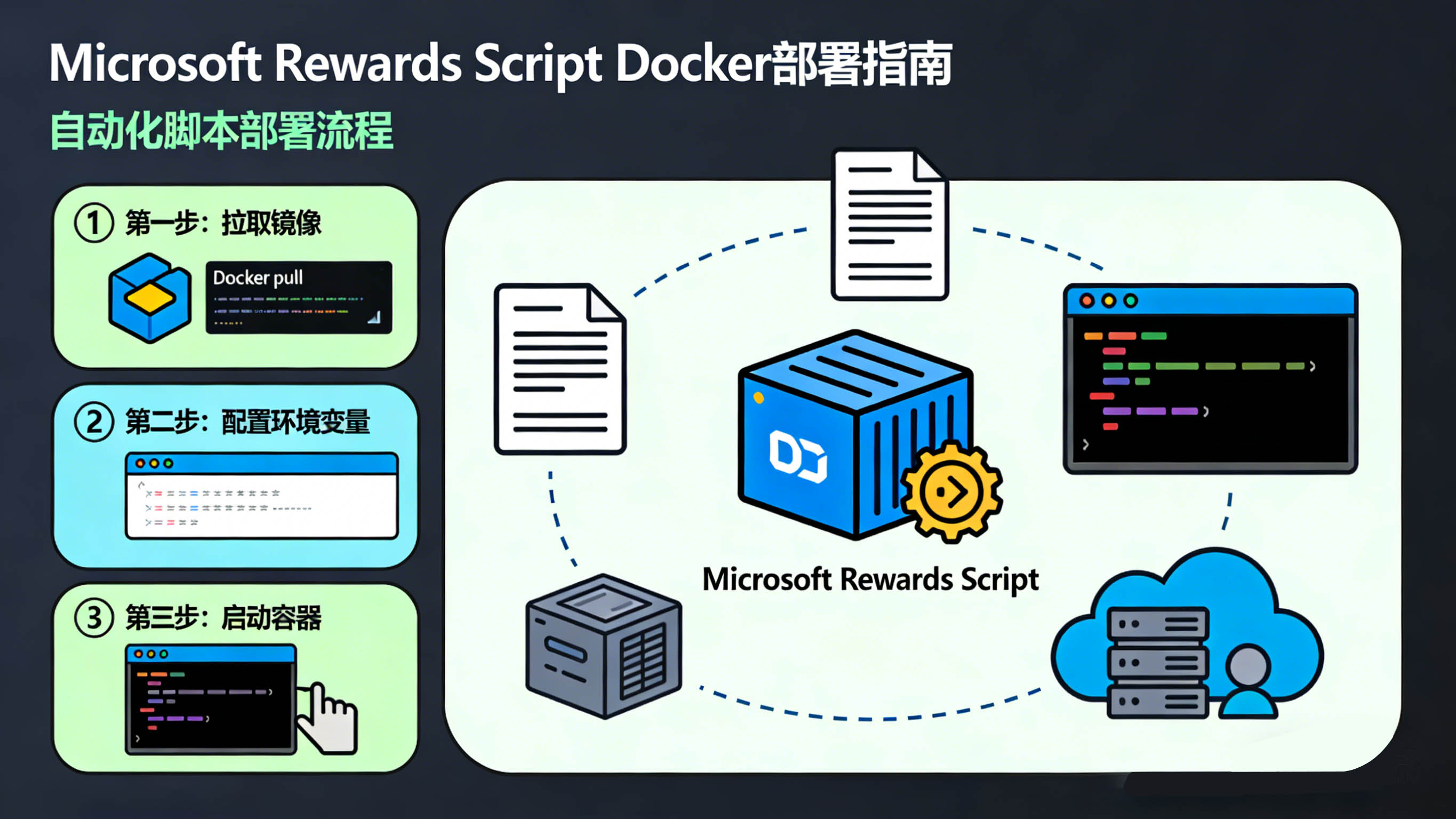
本教程介绍如何在 Linux 服务器使用 Docker 部署
thenetsky/microsoft-rewards-script 自动完成 Microsoft Rewards 搜索任务。
先决条件
你需要先安装:docker + compose
安装过程
先获取脚本
git clone https://github.com/TheNetsky/Microsoft-Rewards-Script.git
cd Microsoft-Rewards-Script
添加配置和账号
· 将 src/accounts.example.json复制或重命名为 src/accounts.json 并添加您的凭证
· 复制或重命名 src/config.example.json 为 src/config.json 并自定义你的偏好设置
accounts.json
[
    {
        "email": "微软账户",
        "password": "密码",
        "totpSecret": "",
        "recoveryEmail": "",
        "geoLocale": "CN",
        "langCode": "zh-CN",
        "proxy": {
            "proxyAxios": false,
            "url": "",
            "port": 0,
            "username": "",
            "password": ""
        },
        "saveFingerprint": {
            "mobile": true,
            "desktop": true
        }
    },
    {
        "email": "微软账户2",
        "password": "密码",
        "totpSecret": "",
        "recoveryEmail": "",
        "geoLocale": "CN",
        "langCode": "zh-CN",
        "proxy": {
            "proxyAxios": false,
            "url": "",
            "port": 0,
            "username": "",
            "password": ""
        },
        "saveFingerprint": {
            "mobile": true,
            "desktop": true
        }
    }
]
config.json
{
    "baseURL": "https://rewards.bing.com",
    "sessionPath": "sessions",
    "headless": true,
    "clusters": 1,
    "errorDiagnostics": false,
    "workers": {
        "doDailySet": true,
        "doSpecialPromotions": true,
        "doMorePromotions": true,
        "doPunchCards": true,
        "doAppPromotions": true,
        "doDesktopSearch": true,
        "doMobileSearch": true,
        "doDailyCheckIn": true,
        "doReadToEarn": true
    },
    "searchOnBingLocalQueries": false,
    "globalTimeout": "30sec",
    "searchSettings": {
        "scrollRandomResults": false,
        "clickRandomResults": false,
        "parallelSearching": true,
        "queryEngines": ["google", "wikipedia", "reddit", "local"],
        "searchResultVisitTime": "10sec",
        "searchDelay": {
            "min": "30sec",
            "max": "1min"
        },
        "readDelay": {
            "min": "30sec",
            "max": "1min"
        }
    },
    "debugLogs": false,
    "consoleLogFilter": {
        "enabled": false,
        "mode": "whitelist",
        "levels": ["error", "warn"],
        "keywords": ["starting account"],
        "regexPatterns": []
    },
    "proxy": {
        "queryEngine": true
    },
    "webhook": {
        "discord": {
            "enabled": false,
            "url": ""
        },
        "ntfy": {
            "enabled": false,
            "url": "",
            "topic": "",
            "token": "",
            "title": "Microsoft-Rewards-Script",
            "tags": ["bot", "notify"],
            "priority": 3
        },
        "webhookLogFilter": {
            "enabled": false,
            "mode": "whitelist",
            "levels": ["error"],
            "keywords": ["starting account", "select number", "collected"],
            "regexPatterns": []
        }
    }
}
重命名compose.yaml为compose.yaml1,然后nano compose.yaml
services:
  microsoft-rewards-script:
    image: ghcr.nju.edu.cn/thenetsky/microsoft-rewards-script:latest
    container_name: microsoft-rewards-script
    restart: unless-stopped
    volumes:
      - /root/Microsoft-Rewards-Script/src:/usr/src/microsoft-rewards-script/dist/config
      - /root/Microsoft-Rewards-Script/sessions:/usr/src/microsoft-rewards-script/dist/browser/sessions
      - /root/.cache/ms-playwright:/usr/src/microsoft-rewards-script/node_modules/patchright-core/.local-browsers
    environment:
      - TZ=Asia/Shanghai
      - NODE_ENV=production
      # 每天早上7点执行
      - CRON_SCHEDULE=0 7 * * *
      # 容器启动立即执行一次
      - RUN_ON_START=true
      # 是否跳过随机等待
      - SKIP_RANDOM_SLEEP=false
      # 浏览器路径
      - PATCHRIGHT_BROWSERS_PATH=/usr/src/microsoft-rewards-script/node_modules/patchright-core/.local-browsers
    healthcheck:
      test: ["CMD", "sh", "-c", "pgrep cron > /dev/null || exit 1"]
      interval: 60s
      timeout: 10s
      retries: 3
      start_period: 30s
    security_opt:
      - no-new-privileges:true
建议这三个文件都使用文章提供的
启动容器
docker compose up -d如果可以,建议安装好Portainer -ce面板,方便查看日志docker volume create portainer_data
docker run -d \
-p 9000:9000 \
--name portainer \
--restart=always \
-v /var/run/docker.sock:/var/run/docker.sock \
-v portainer_data:/data \
portainer/portainer-ce:latest可能出现的问题
提示未安装浏览器
Executable doesn't exist
方法一 宿主机直接安装
npmmirror:
export PLAYWRIGHT_DOWNLOAD_HOST=https://npmmirror.com/mirrors/playwright华为云镜像:
export PLAYWRIGHT_DOWNLOAD_HOST=https://mirrors.huaweicloud.com/playwright安装浏览器:
npx patchright install chromium浏览器会下载到:
~/.cache/ms-playwright
查看:
ls ~/.cache/ms-playwright正常应该看到:
chromium-xxxx
chromium_headless_shell-xxxx
Docker 会通过挂载使用该浏览器。
docker安装浏览器
一条命令搞定
docker exec -it -e PATCHRIGHT_DOWNLOAD_HOST=https://npmmirror.com/mirrors/playwright/ microsoft-rewards-script npx patchright install如果出现Missing libraries
安装过程中可能会出现网络慢的情况,我们更新一下源就行了
docker exec -it -u root microsoft-rewards-script sh -c "sed -i 's/deb.debian.org/mirrors.aliyun.com/g' /etc/apt/sources.list.d/debian.sources && apt-get update"docker安装方式:
docker exec -it microsoft-rewards-script npx patchright install-deps
宿主机安装方式:
docker exec -it microsoft-rewards-script npx patchright install-deps如果没有安装nodejs那么就用这个
sudo apt-get update && sudo apt-get install -y \
    libgbm1 libasound2 libpango-1.0-0 liblibcairo2 libicu72 \
    libnss3 libxcursor1 libxss1 libxcomposite1 libxdamage1 \
    libxrandr2 libxtst6 libatk1.0-0 libatk-bridge2.0-0 \
    libgtk-3-0 libx11-xcb1 libxcb-dri3-0 libdrm2 libvpx7